Lumora Studio on iPhone, iPad and Mac
Reply to an inquiry between shoots, upload a gallery from your phone and see who has paid. The app uses the same account as the web dashboard, so everything is where you left it.
The web dashboard works today in any browser. Your account moves to the app when it launches.
iPhone · Bookings
iPhone · Galleries
What you can do from the app
The app has five tabs: Portfolio, Galleries, Bookings, Clients and Money.
Know when something happens
Get a notification when an inquiry arrives, a client sends their photo selection or writes to you. Tap it and the app opens on that booking or conversation.
Upload galleries from your phone
Photos and videos keep uploading in the background, even after you leave the app.
Send galleries and invoices
Share by Mail, Messages or any app on your phone. Invoices go out with a PDF made on your device.
Keep up with clients
See your pipeline from new inquiry to delivered, add notes, and get a reminder when it's time to follow up. On Pro and Studio.
Track money on the go
Scan a receipt with the camera, log mileage, and check income, profit and your tax summary. On Pro and Studio.
Edit your portfolio page
Change sections and photos with a live preview. On iPad and Mac the editor and the preview sit side by side.
One account, in the app and on the web
Sign up in the app or on the web. It is the same account, with the same galleries, bookings and clients.
Your plan works everywhere
A plan bought on the website works in the app, and a plan bought in the app works on the web. You manage it where you bought it.
The web dashboard does it all
Everything in the app is in the web dashboard too, along with the full website builder, which works best on a big screen.
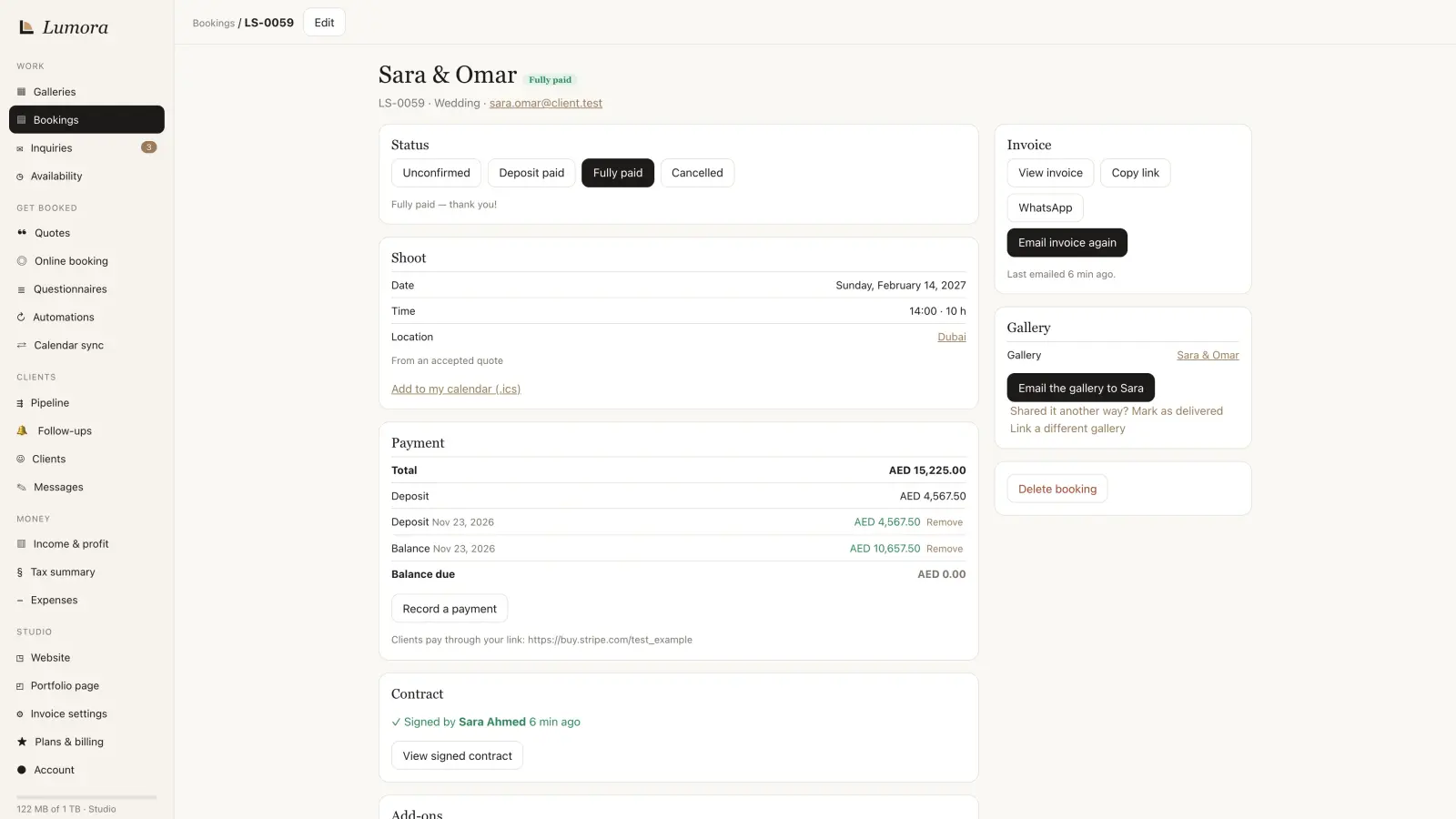
iPhone
For replying, uploading and checking payments wherever you are.
iPad
Split view for lists and details, and room to edit your portfolio with a preview.
Mac
The same app on your desktop, next to your editing software.
What your clients see
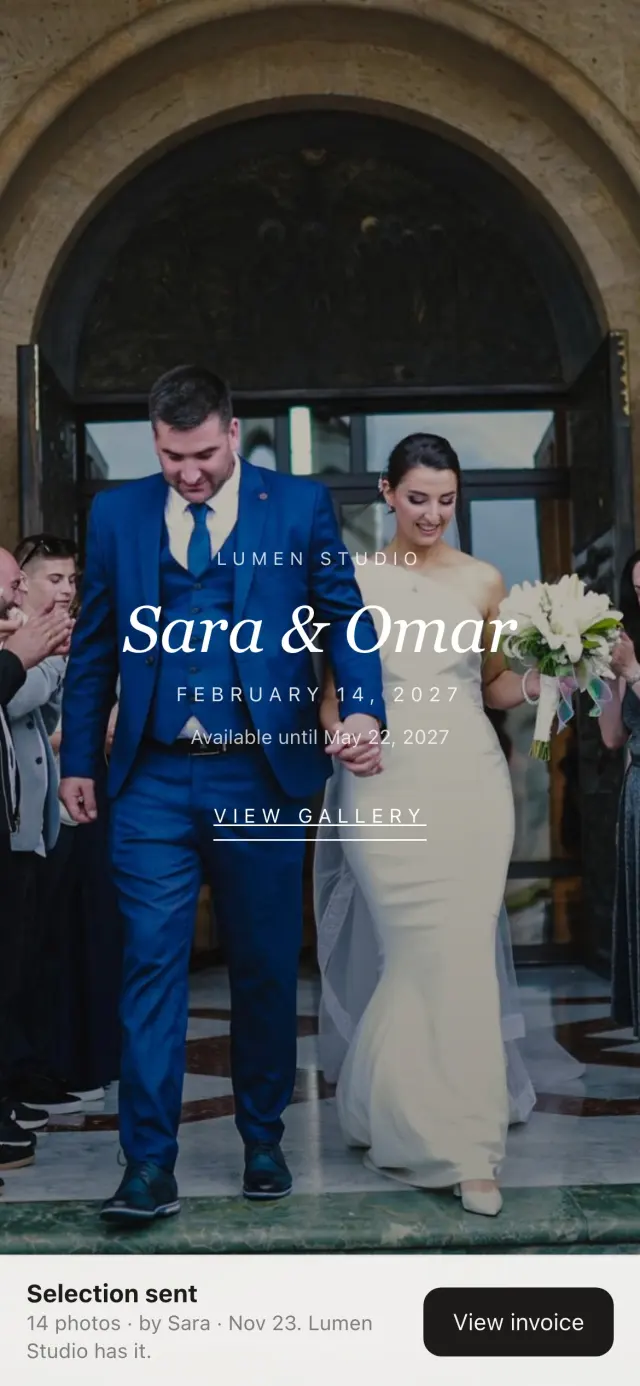
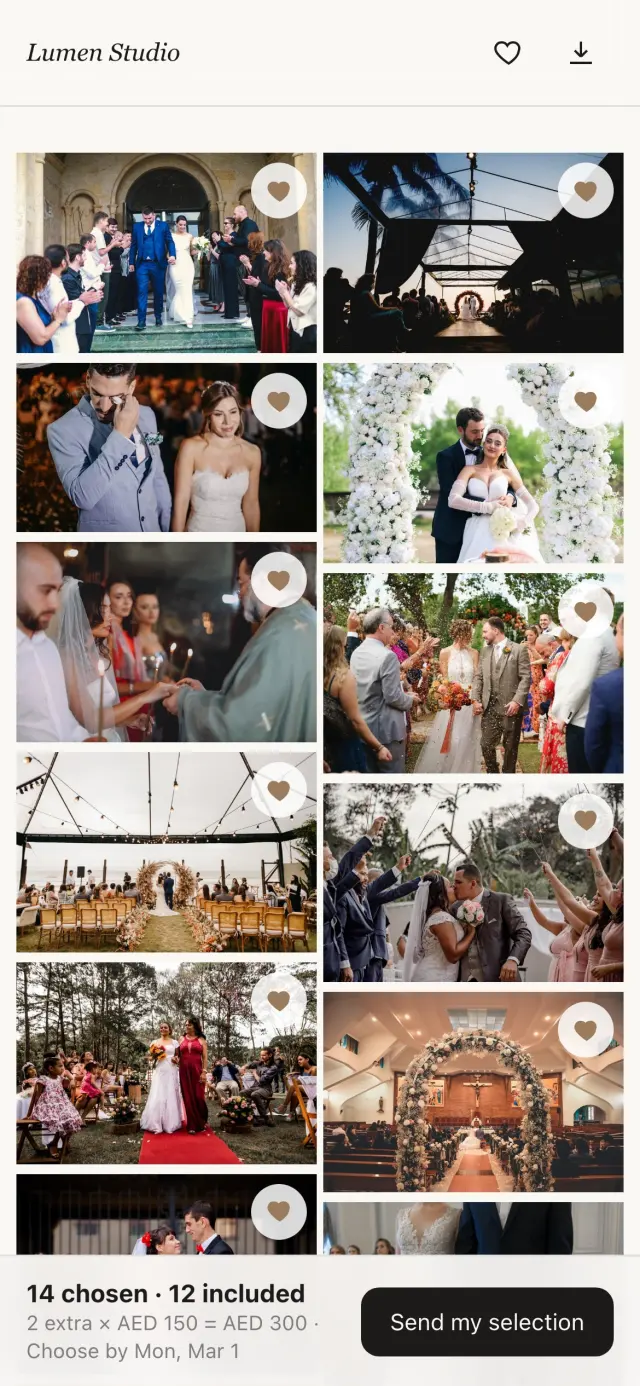
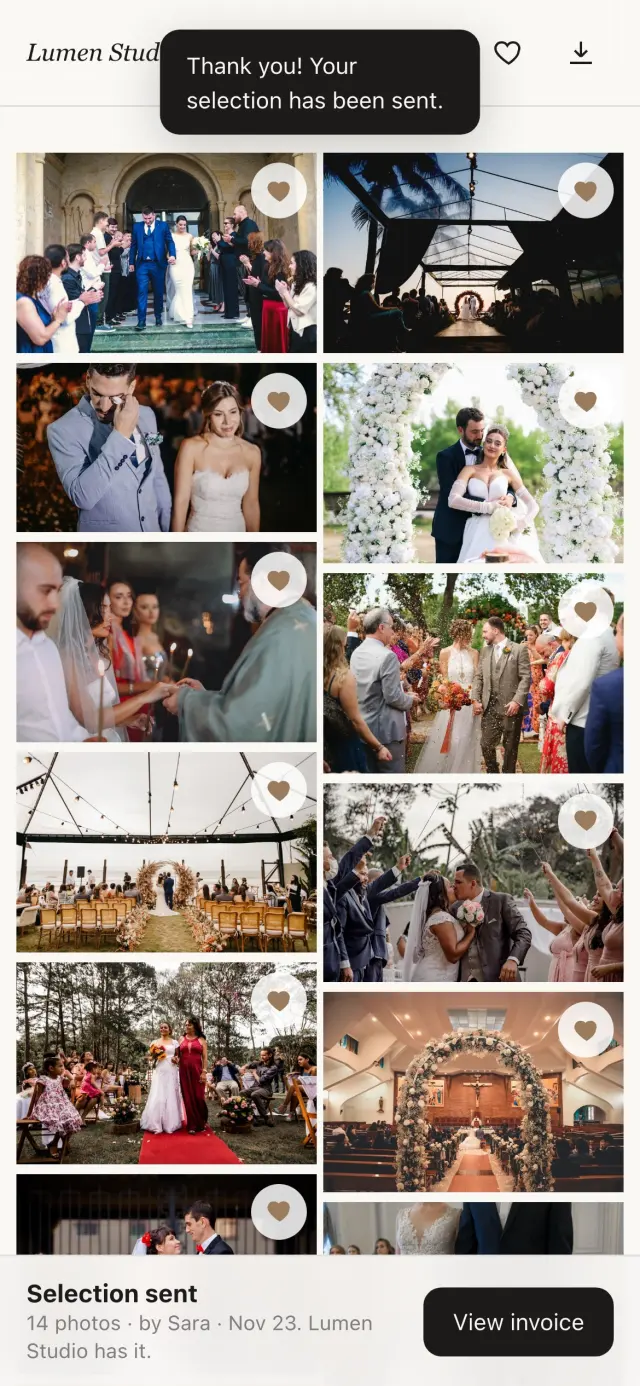
Clients don't need an app. Galleries, quotes, invoices and contracts open in their phone's browser, and they can add their gallery to the home screen.
Bring your next booking into Lumora Studio
Start on the Free plan with one gallery and three bookings. Upgrade when you're ready.